
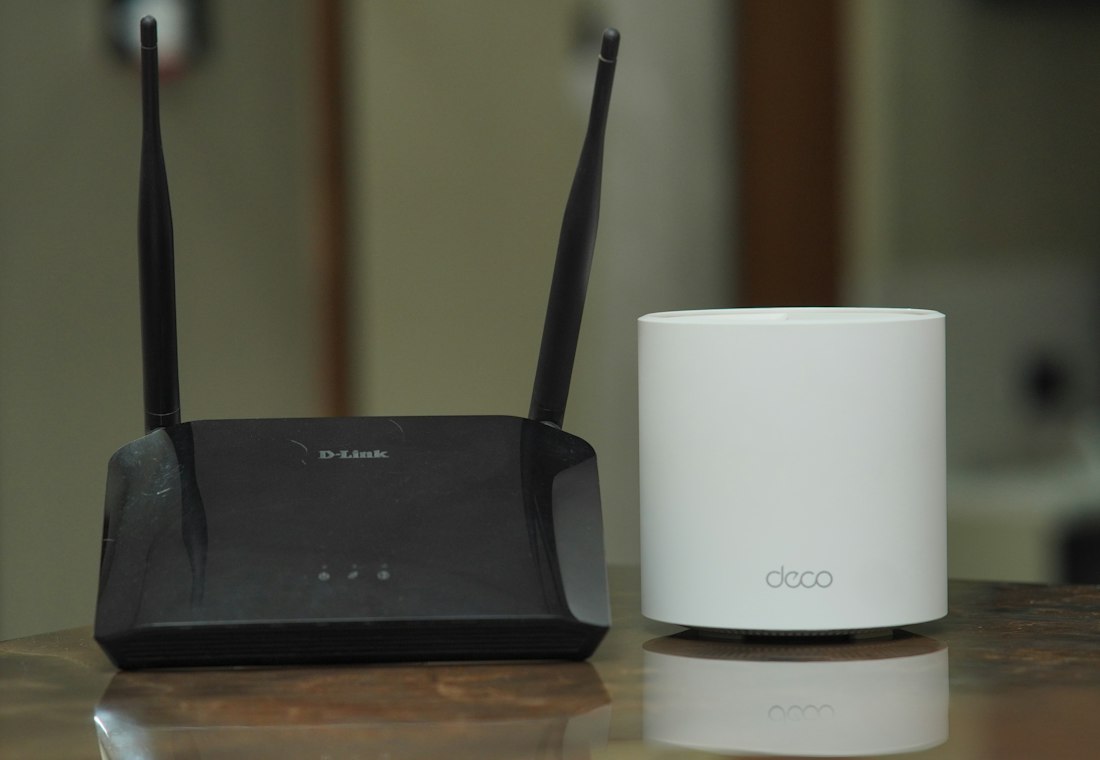
“The Wi-Fi is fine in the lounge but useless upstairs.” It is one of the most common calls I get in Ivybridge, Plympton and the villages around the South Hams. The good news is that Wi-Fi dead spots are almost always fixable, and the first few things to try are free.
Why some rooms get poor Wi-Fi
Wi-Fi is a radio signal, and it weakens with distance and with everything it has to pass through. Many Devon homes make life hard for it:
- Thick stone or solid brick walls in older cottages and farmhouses.
- Extensions, conservatories and garden offices a long way from the router.
- Routers hidden in a cupboard, behind the TV or down by the front door where the phone line comes in.
- Metal, mirrors, fish tanks and large appliances between the router and where you sit.
Free fixes to try first
Move the router
If you can, put the router somewhere central, high up and out in the open, not on the floor or inside a cabinet. Even moving it a metre or two out from behind the TV can make a noticeable difference.
Restart it
Switch the router off at the wall, wait 30 seconds and switch it back on. Give it a few minutes to reconnect. Routers run for months without a break and a restart clears many odd problems.
Check it is the Wi-Fi, not the broadband
Run a speed test (search for “broadband speed test”) standing next to the router, then again in the problem room. If it is slow next to the router too, the issue is the broadband line itself, and that is a job for your provider. If it is only slow further away, it is the Wi-Fi coverage.
Use the right band
Most routers broadcast two signals: 2.4GHz, which reaches further but is slower, and 5GHz, which is faster but doesn’t travel as far through walls. Devices in distant rooms often do better on 2.4GHz.
When you need more than one access point
If you’ve tried all of that and some rooms are still poor, one router simply can’t cover the whole house. These are the options I usually recommend:
- Mesh Wi-Fi. Two or three units placed around the home work together as one network, so your devices move between them without you noticing. This is the best answer for most larger or older homes.
- Wired access points. Where there is a network cable, or one can be run, an access point at the far end gives the most reliable result, ideal for a garden office or home business.
- Powerline adapters. These send the connection through your home’s electrical wiring. They can work well, but results vary from house to house.
I’d generally avoid the cheapest plug-in “Wi-Fi extenders”. They often halve the speed and create a second network name, which causes more confusion than it solves.
Getting it set up properly
Mesh systems are much easier than they used to be, but where the units go makes a big difference. Put them too far apart and you are back to square one. When I set up Wi-Fi I test the signal room by room, place the units where they work best, and make sure everything, from phones and tablets to smart TVs and printers, reconnects. You can read more about how I help with internet and Wi-Fi problems, and if your printer keeps dropping off the network, that is usually part of the same fix.
For small businesses and home offices, I also set up and look after office networks as part of my business IT support.
Fed up with Wi-Fi that drops out? Call Adam on 07765 230957. I visit homes across Ivybridge, Ermington, South Brent, Plympton, Plymouth and the South Hams, there’s no callout charge, and if I can’t fix it, there’s no fee.
